Google Meet now features a new AI-powered live translated captions tool. While AI translations are not always 100% accurate, this is currently the best and most seamless solution available for bridging language barriers in real time.
Follow these simple steps to log in and turn on live translations:
- Log in to Google Meet: Go to google.com and sign in with your Google or Workspace account.
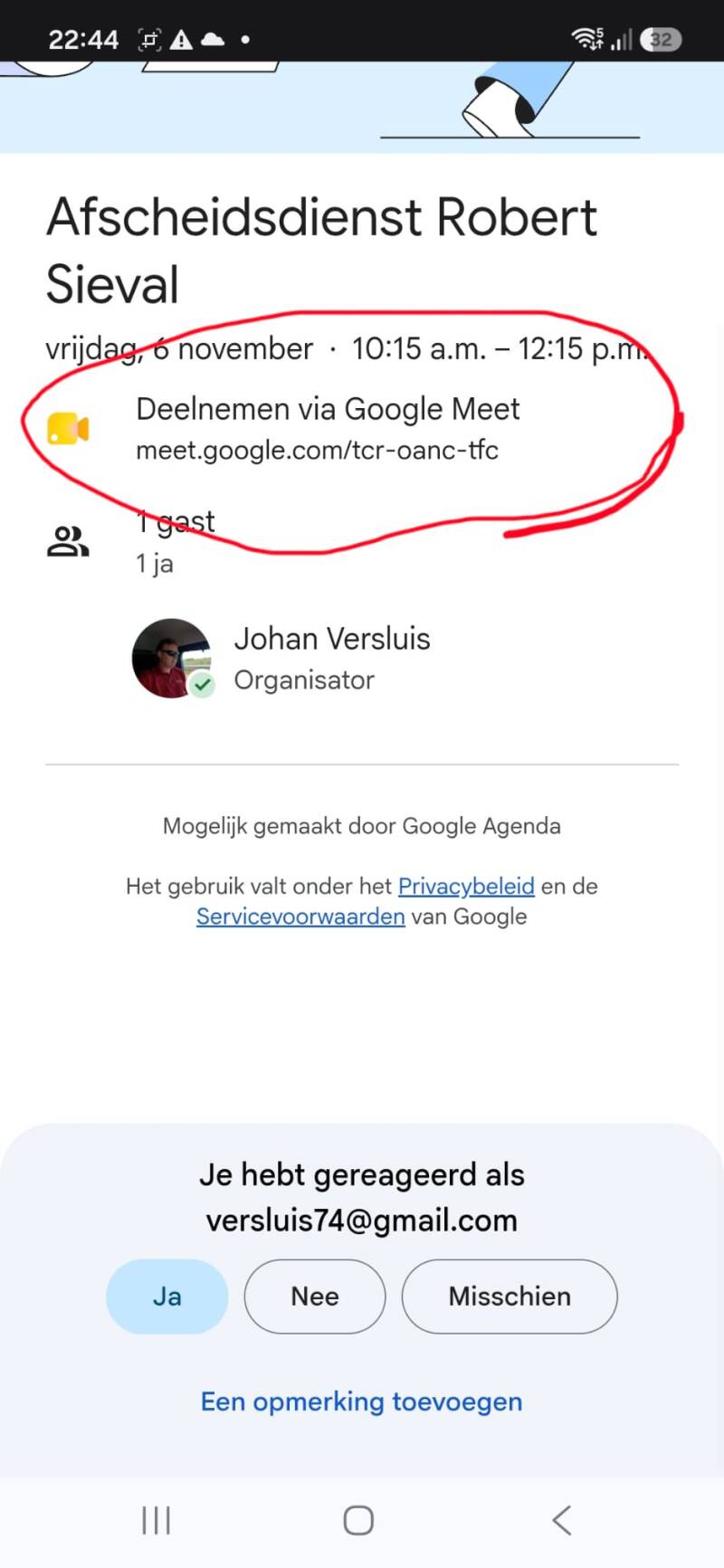
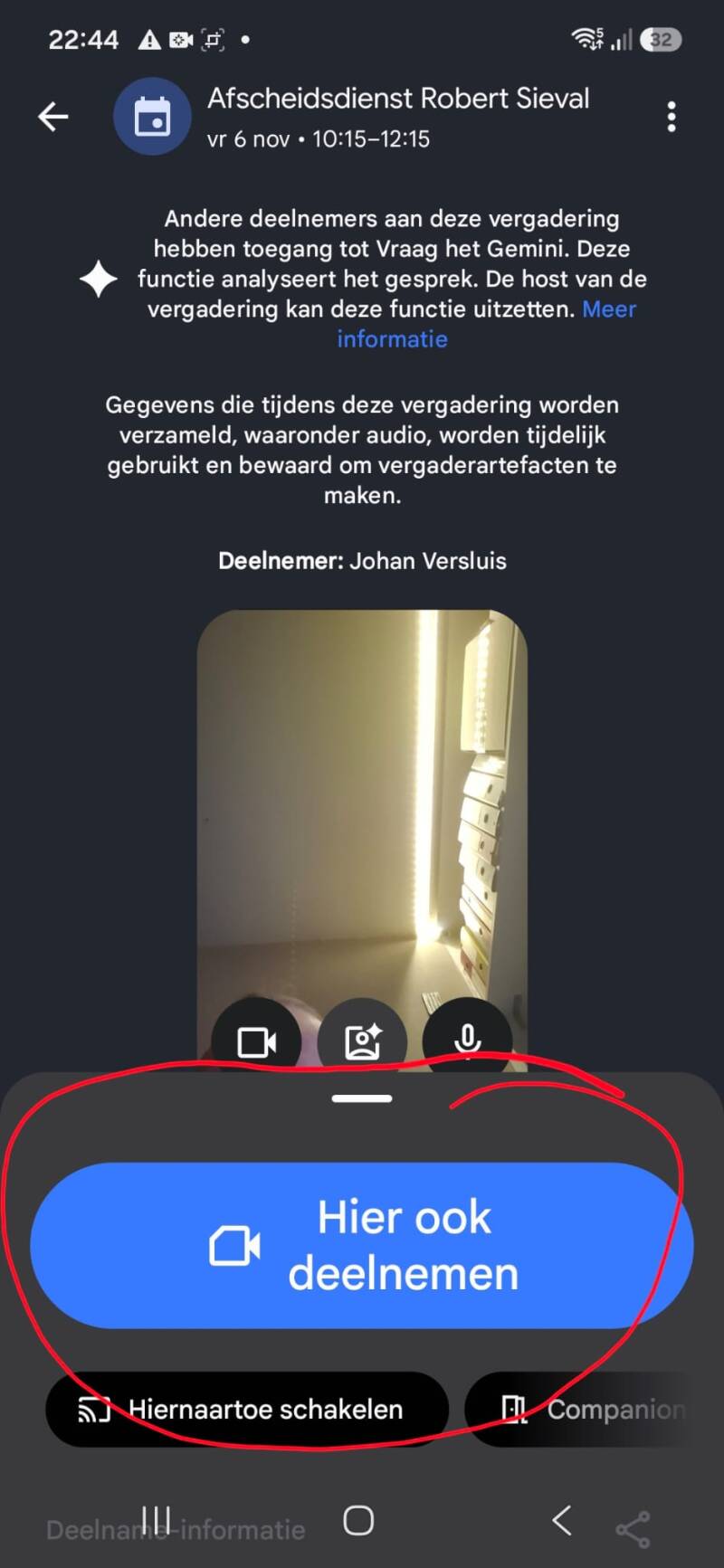
- Join a meeting: Start a new meeting or enter an ongoing video call.
- Turn on captions: Click the Turn on captions button (the "CC" icon) at the bottom of your screen.
- Enable live translation: Click the three vertical dots (More options), select Settings, go to Captions, turn on Translated captions, and select your preferred language.
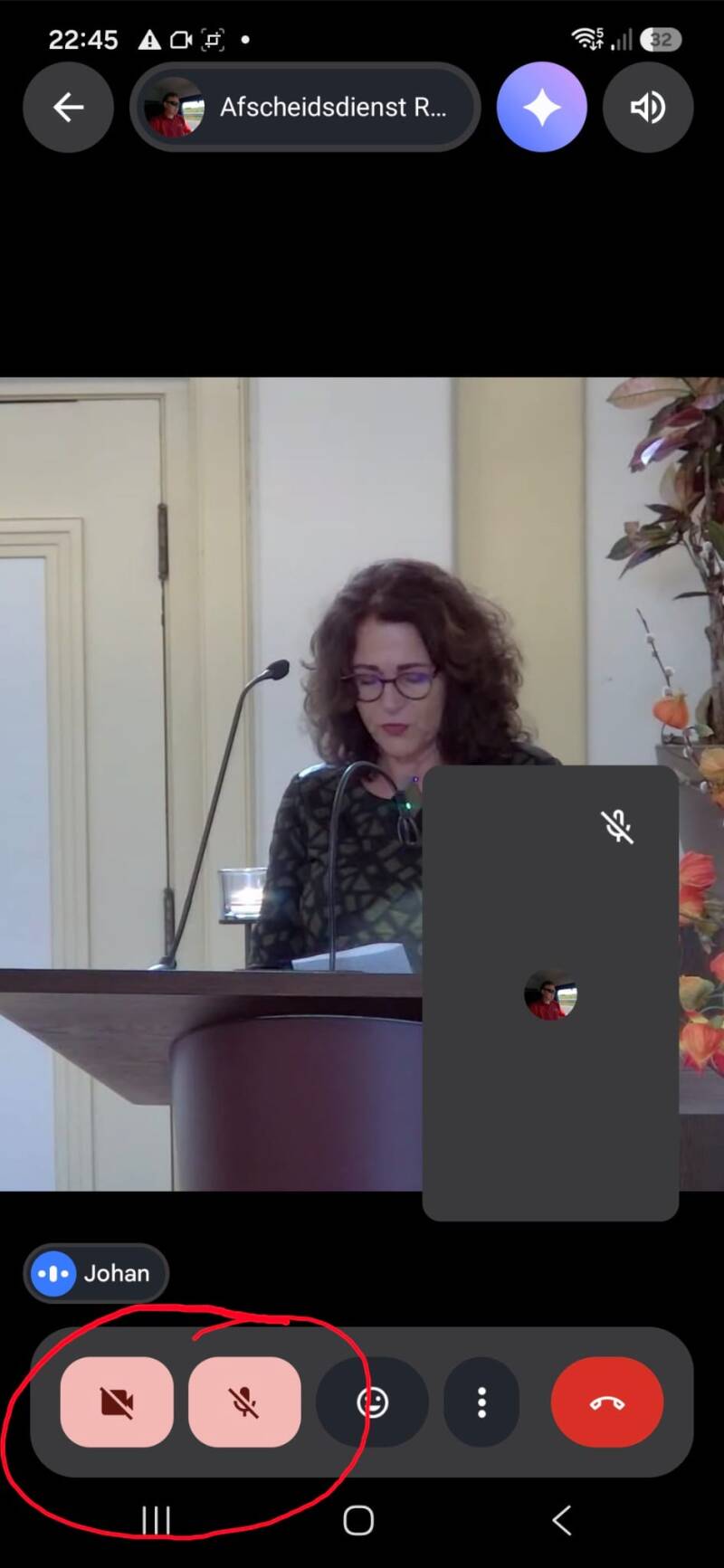
Please turn off the sound and the camera
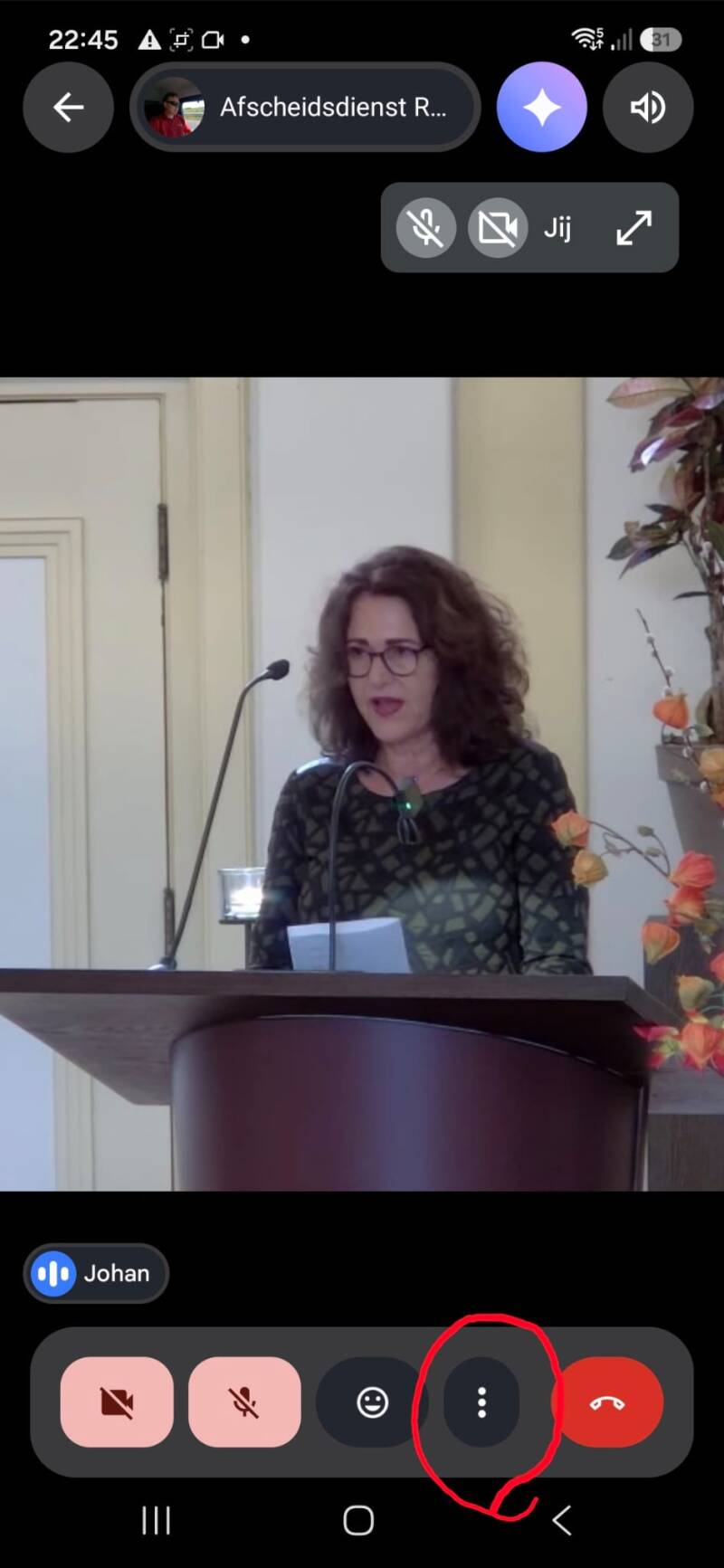
Press the 3 dots
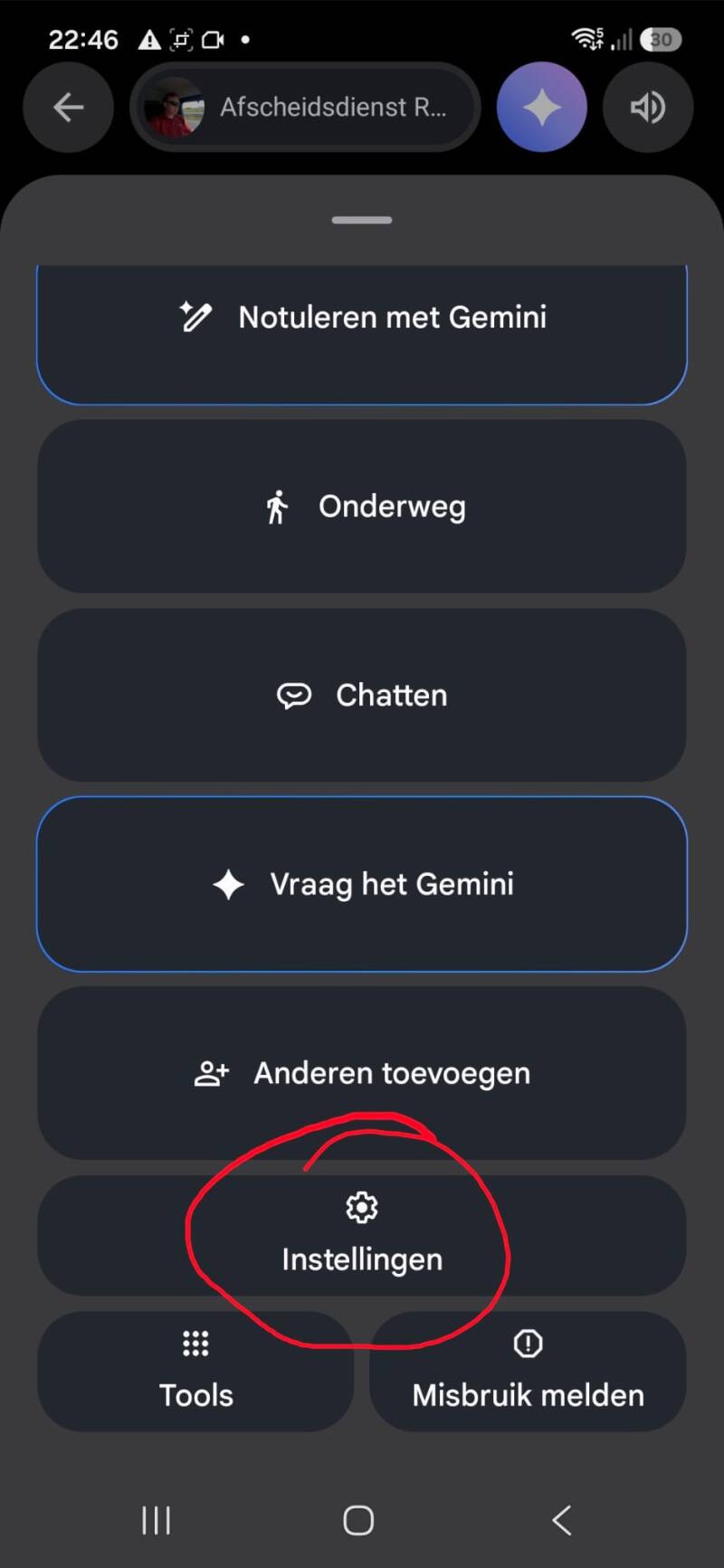
Go to settings
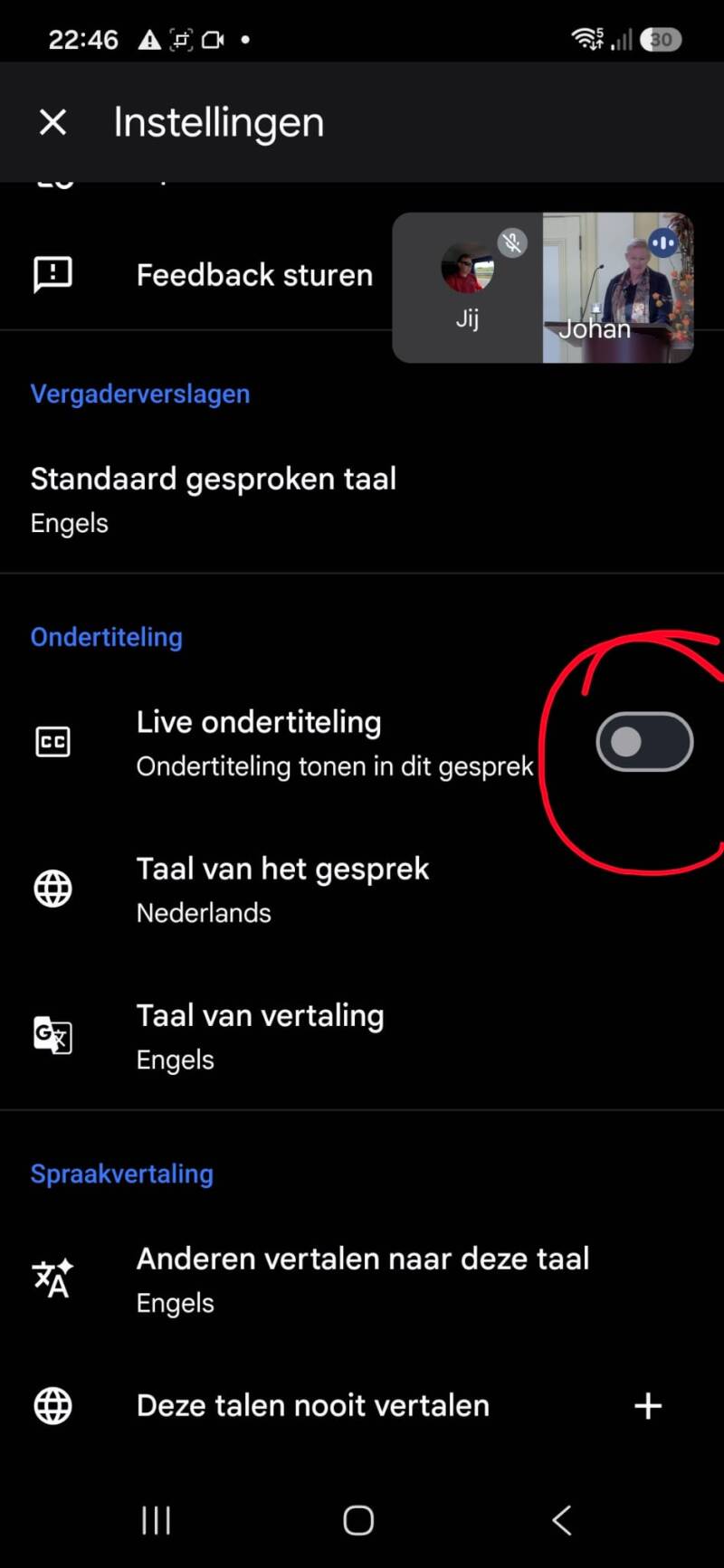
turn on subtitles, spoken language: Dutch
Translate to english or other language
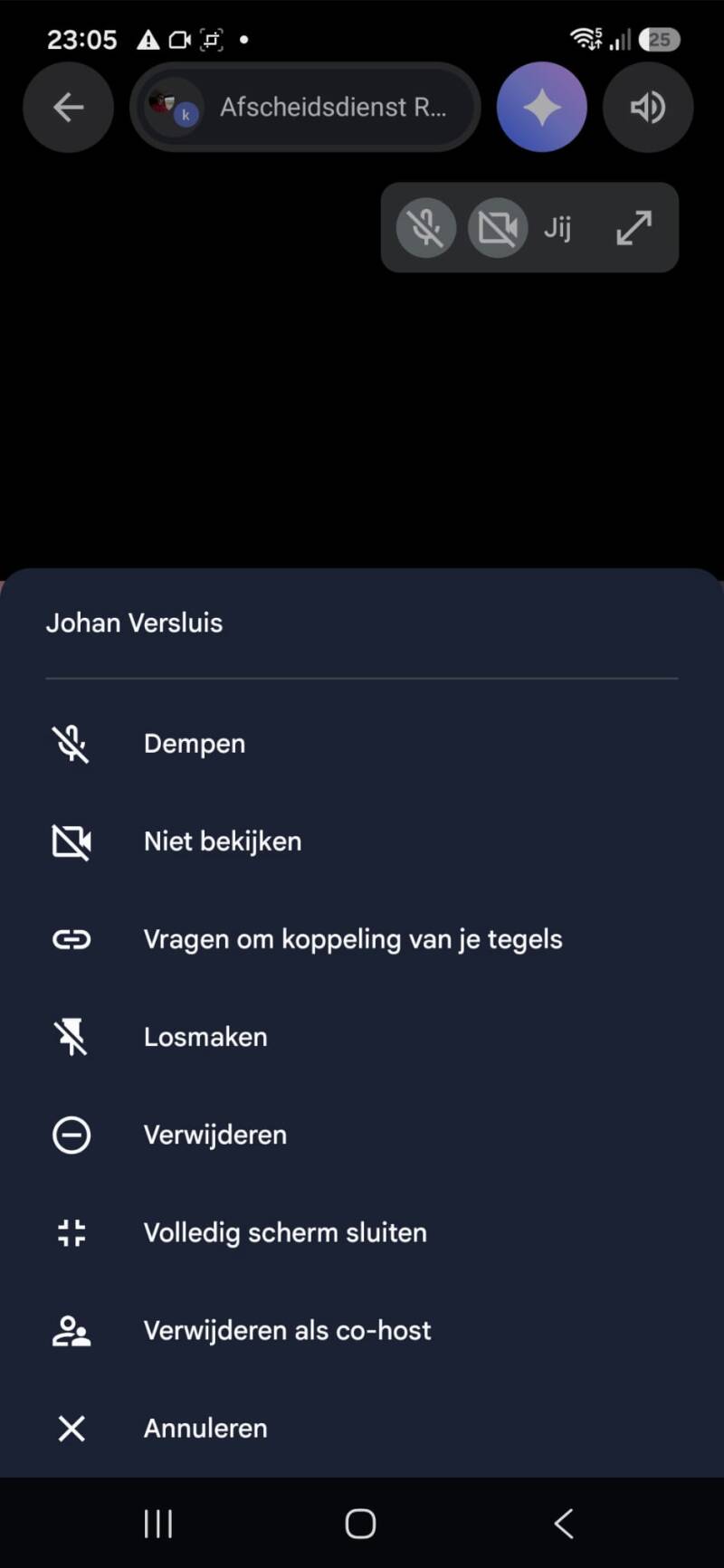
Press on my name (Johan) and you can set full screen and rotate your phone
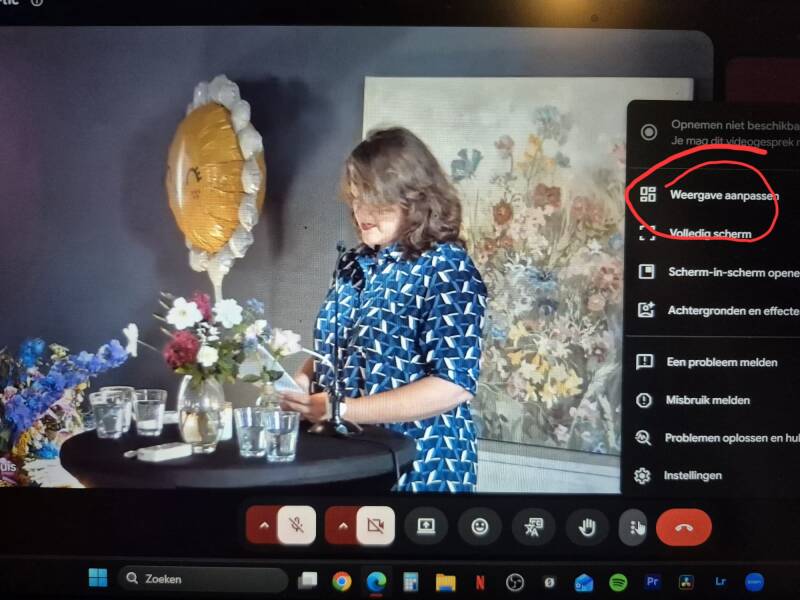
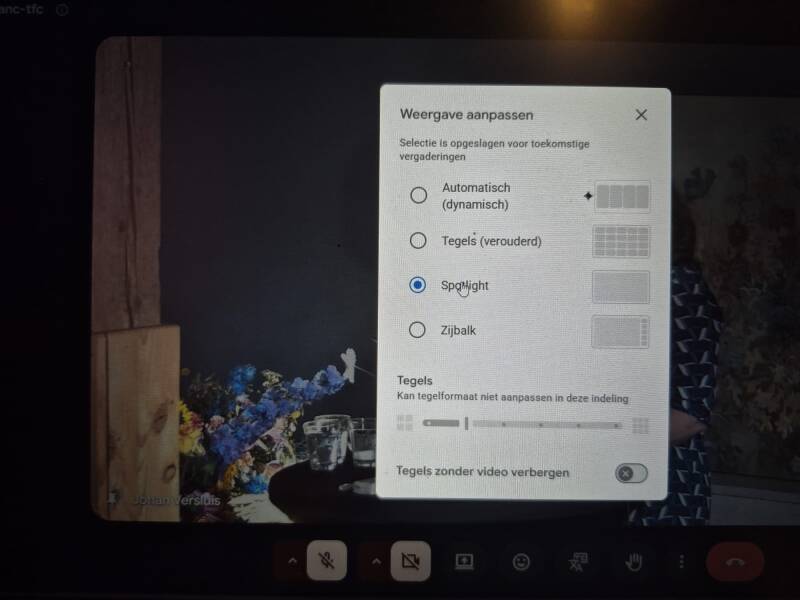
on a laptop or pc you can press the 3 dots and press display settings
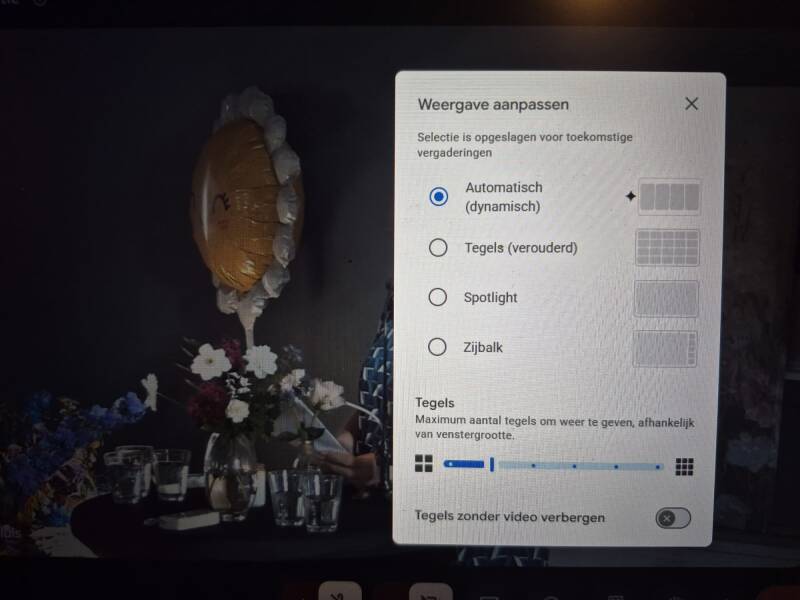
set it on spotlight for full screen